Framekeep — Product image crop check
Check multiple listing ratios before publishing
Keep the product. The label. The words.
Mark up to three areas for the product, label and existing text. Compare crop loss in 1:1, 4:3 and 3:4, then refit with padding.
Drop an image here or choose a file. One PNG or JPEG image, up to 20 MiB, 20 MP and 8192 px per side.
An included area does not guarantee readable text or platform approval.
Real example · before / after padding
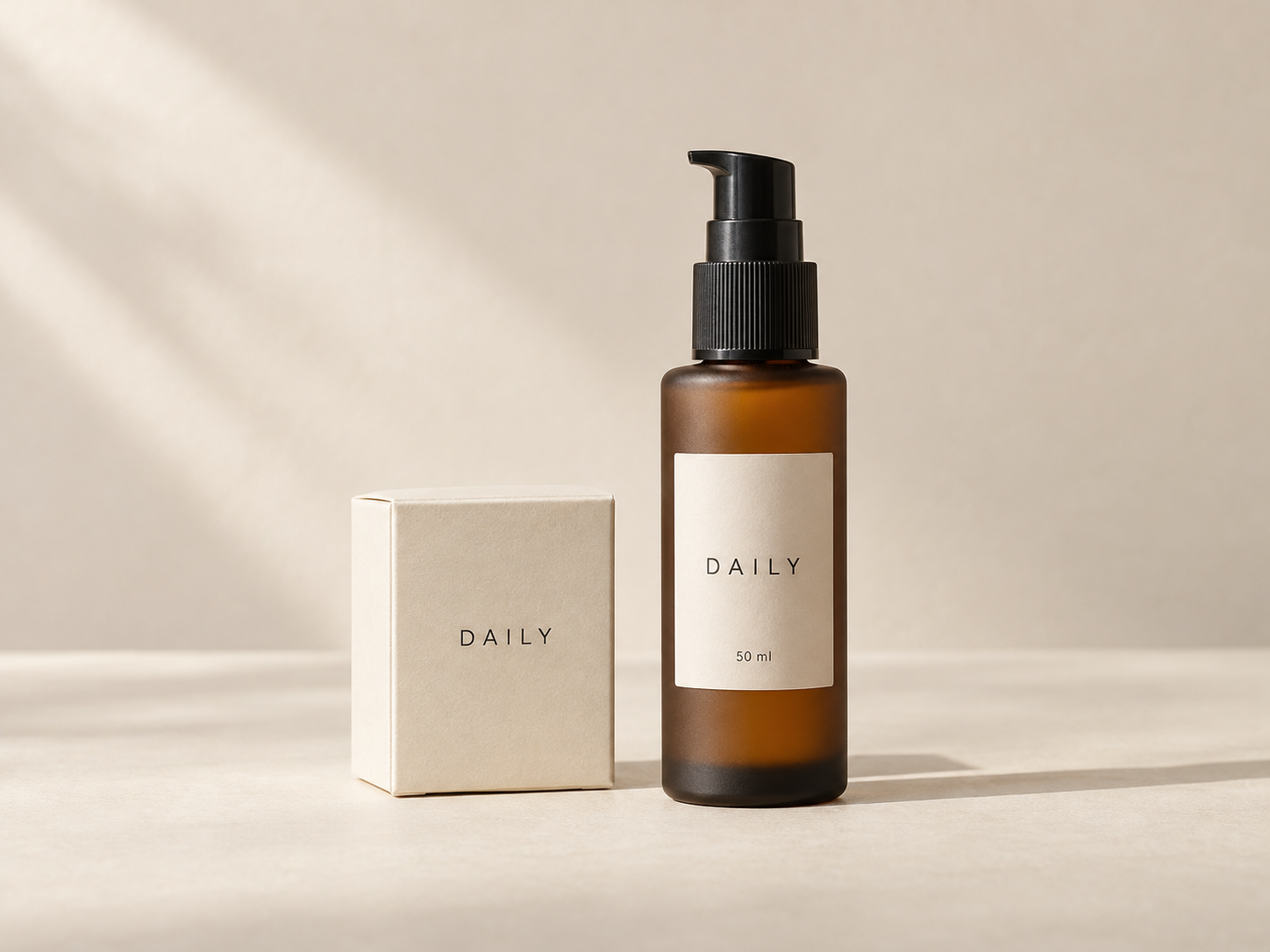
Square 1:1
Landscape 4:3
Portrait 3:4
Original image
Mark what must stay visible
What must stay?
Mark only the areas you need. Check up to three separately.
Drag on the photo over the product and any text that must stay visible.
Keyboard: focus the photo and press Enter to place a box, then move it with the arrow keys (Alt + arrows to resize).
Check result
Does it work at a small size?
Simulated 120 / 240px shelf views. Read the text yourself. Not a platform preview or automatic readability score.
Preview ratios
-
Square 1:1 -
Landscape 4:3 -
Portrait 3:4
Swipe or drag to compare three ratios. Browsing does not change the framing.
These previews are guides. Check the image on the selling platform before publishing.
Current framing & crop guides
AI-generated example: the product is cut in landscape and portrait crops. Apply the suggestion and compare.
Before is the original photo center-cropped to this ratio. After is your current result center-cropped to the same ratio.
Ready to save
Three-format listing set
Each format centres and refits the photo. Your current edit stays unchanged.